Nezler
 In this article
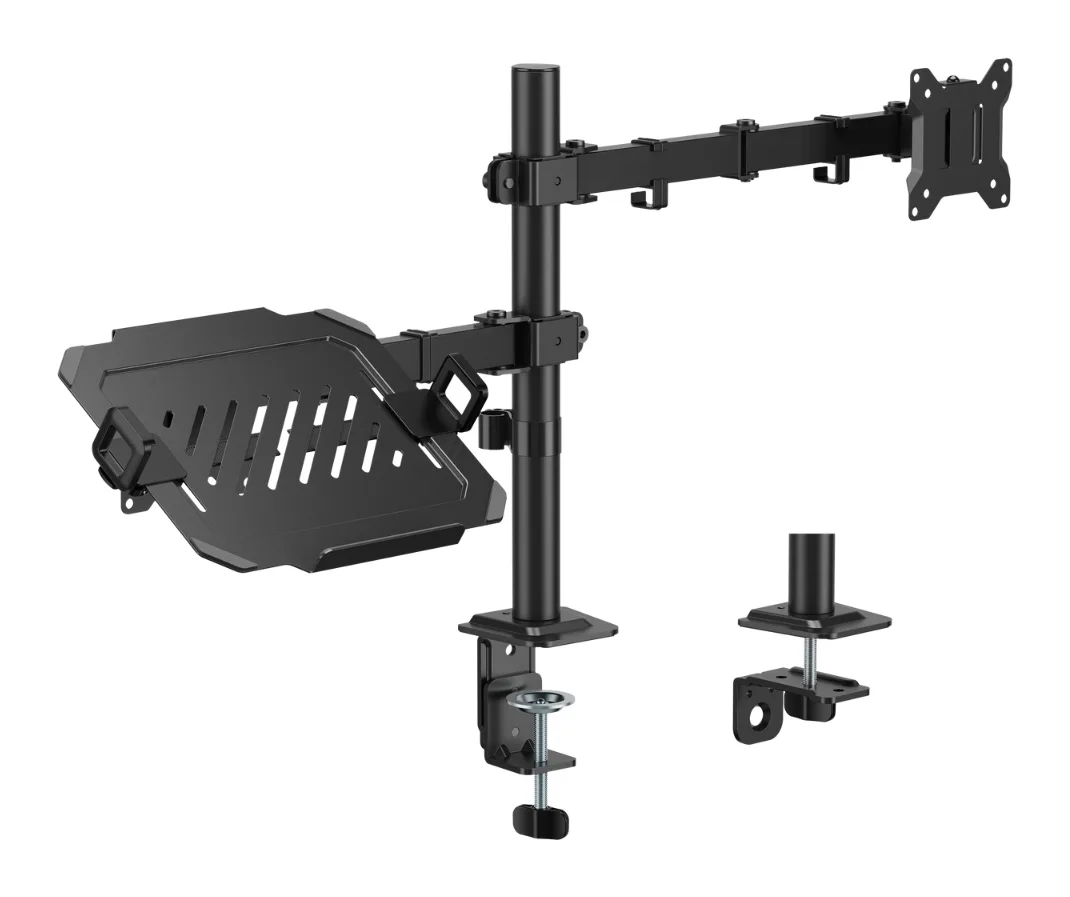
The fastest way to make a MacBook desk look and feel better isn't a new monitor. It's getting your screens off the desk. The Gadget Wagon 2-in-1 arm mounts a monitor on an articulating arm and your laptop on a tray, both on a single pole clamped to the back of your desk.
Big desk-space win for very little money
If you use a laptop with an external monitor, this is one of the cheapest ways to reclaim your desk and get both screens at a healthier height. Check your desk thickness and your monitor's VESA mount first.
What we like
- Monitor (17–32", up to 10kg) and laptop tray (12–17", up to 9kg) on one pole
- Clamp and grommet mounts both included
- Tilt ±45°, swivel ±90°, rotate ±180°
- Metal build; tray has non-slip pads and a safety ledge
Keep in mind
- Brand-new listing with few owner ratings so far
- 1-year warranty (vs. 3 years on most monitors)
- Desk must be 10–85mm thick for the clamp
What you get
In the box: the monitor arm, a long pole, the laptop tray, a screw kit, both clamp and grommet fixtures, and a manual. It weighs about 4.5kg assembled and is metal throughout.
| Monitor size | 17" – 32" |
|---|---|
| Monitor weight limit | 10 kg |
| Laptop size | 12" – 17" |
| Laptop weight limit | 9 kg |
| Mounting | C-clamp (10–85mm) or grommet (10–45mm) |
| Movement | Tilt ±45°, swivel ±90°, rotation ±180° |
| Arm extension | 376 mm |
| Pole height | 408 mm |
| Tray | 260 × 230 mm, extends 292–488 mm wide |
| Weight | 4.5 kg |
| Warranty | 1 year |
Compatibility checklist (do this before ordering)
- Monitor size and weight: 17–32 inches, up to 10kg. Every monitor in our Mac monitor guide is 27 inches and well under the weight limit without its stand.
- VESA mount: your monitor needs threaded VESA holes on the back. 100 × 100mm is the most common. Confirm the arm's plate matches.
- Desk edge: the clamp fits desks 10–85mm thick. You need a few centimetres of clear space behind the desk for the clamp.
- Laptop: 12–17 inches, up to 9kg on the tray. Any MacBook fits.
Movement and adjustability
The VESA plate tilts ±45°, swivels ±90° and rotates ±180°, so you can turn a 27-inch monitor into portrait mode for code or long documents. The arm extends up to 376mm and the pole is 408mm tall. That gives enough range to get the top of a 27-inch screen at or just below eye level for most people.
The laptop tray
The tray measures 260 × 230mm and extends from 292mm to 488mm wide. It has non-slip pads and a front safety ledge. Putting your MacBook at the same height as the monitor turns it into a proper second screen, rather than something you look down at.
What could be better
- It's a fairly new listing, so there aren't many owner ratings yet. That's another reason we bought one to test.
- The warranty is 1 year, compared with 3 years on most monitors.
- A clamp-mounted arm needs a solid desk. Very thin or hollow-core desks may flex.
Who should buy it?
- Buy it if you work on a laptop with an external monitor and your desk feels crowded.
- Buy it if you want the clean “floating screen” look without paying for a designer monitor with a built-in arm.
- Skip it if your desk is glass, very thin, or pushed flush against a wall with no gap.
Building a full setup? See our MacBook desk setup guide.
Long-term notes
Coming soon: how well it holds position over weeks, whether the monitor sags at full extension, and the real assembly time.
Frequently asked questions
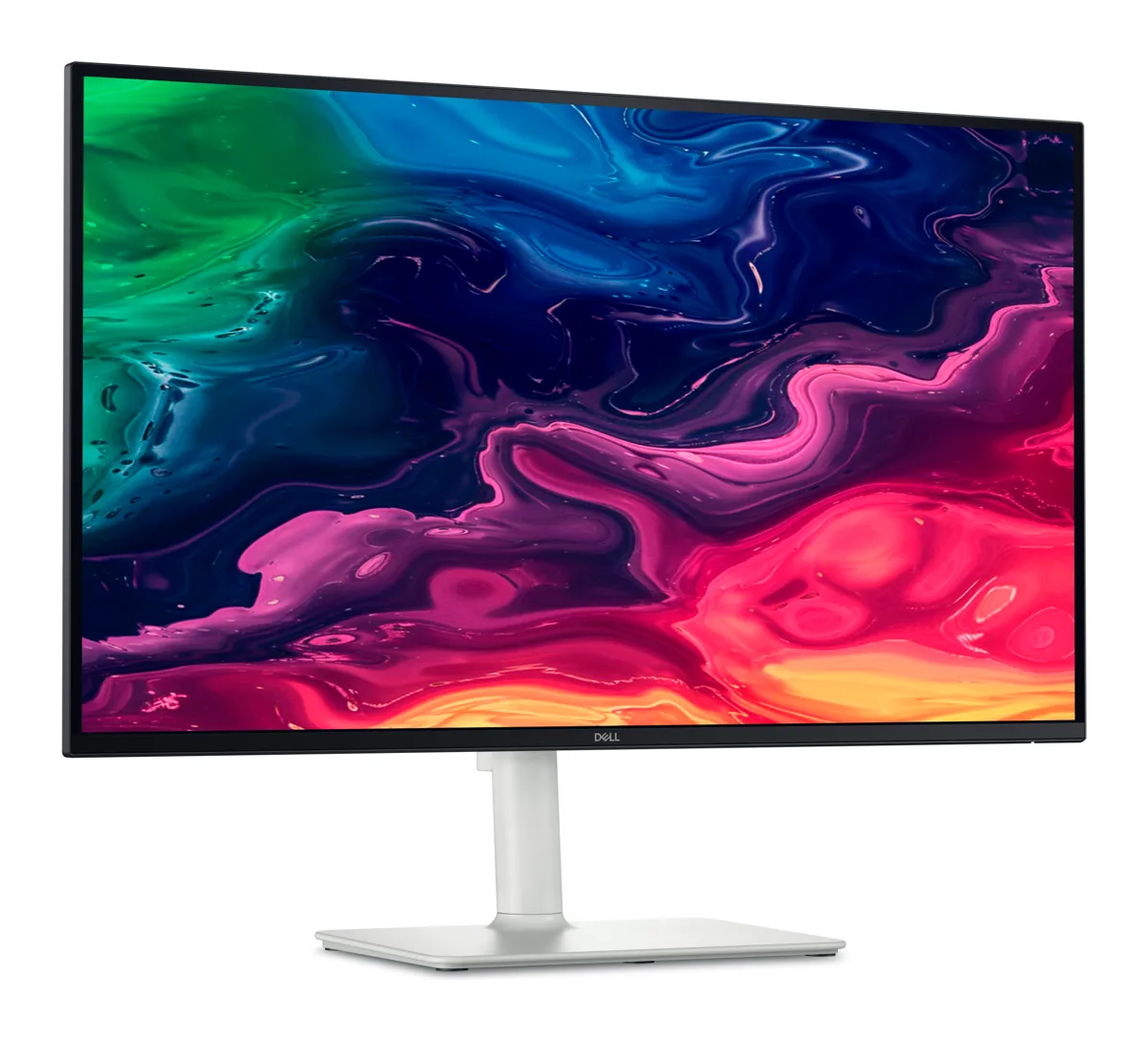
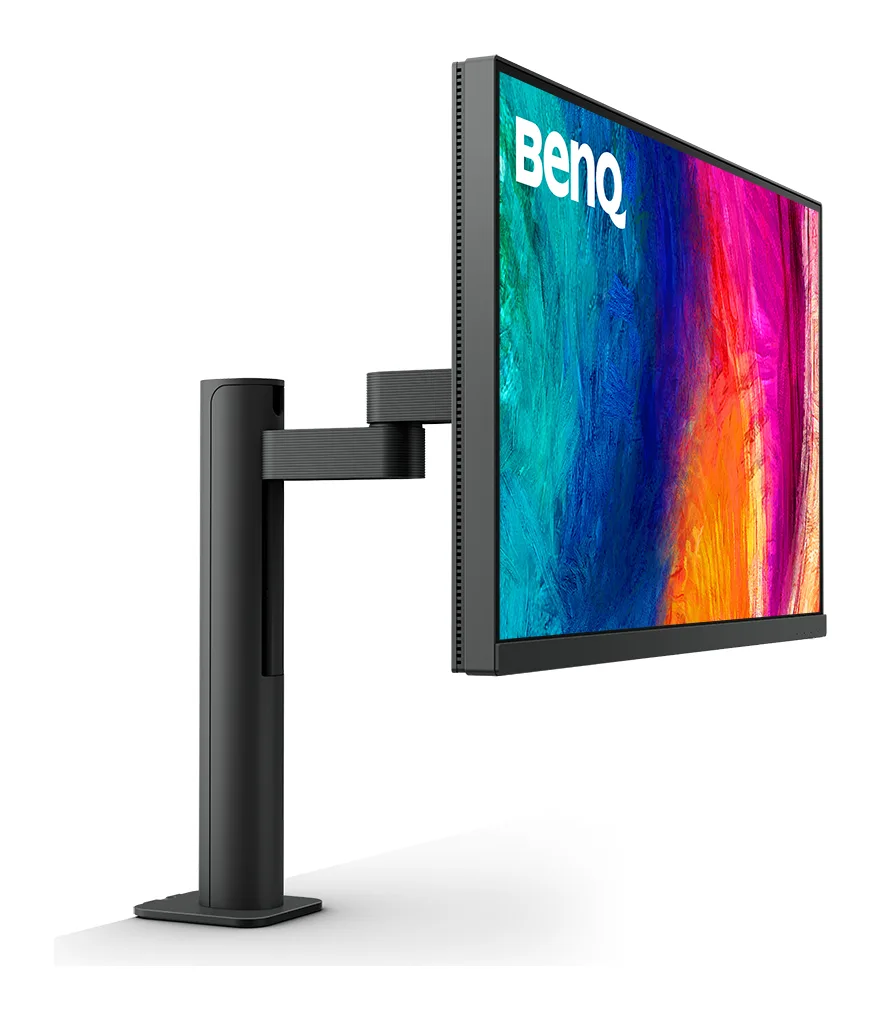
Will this arm hold a Dell S2725QC or BenQ MA270U?
Both are 27-inch monitors well within the arm's 17–32 inch and 10kg limits. Both list a 100 × 100 VESA pattern. Confirm the arm's VESA plate supports 100 × 100 on the listing, and remove the monitor's stand before mounting.
Is the laptop tray safe for a MacBook?
The tray has non-slip pads and a safety ledge and is rated for up to 9kg, far more than any MacBook. Leave space under the laptop for airflow during heavy work.
Do I need to drill my desk?
No. Use the C-clamp on a desk edge 10–85mm thick. The grommet option (10–45mm) needs a hole, which some desks already have for cables.
What's the warranty?
The listing states 1 year against manufacturing defects. Keep your invoice.